
1Open YT Downloader
Sign in with a verified account, then open YT Downloader from the nav. You’ll see Download Options and the YouTube URL field.
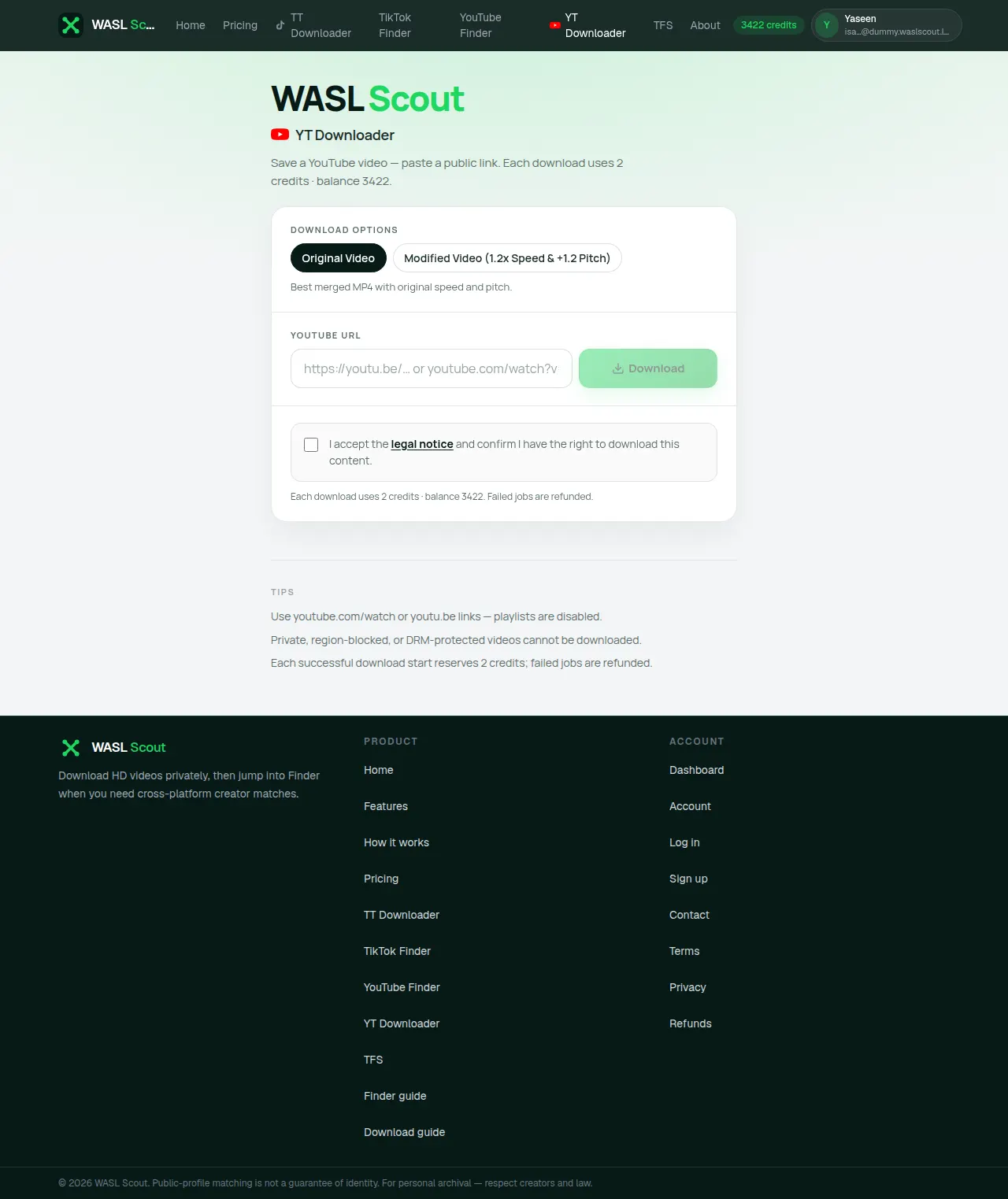
Paste a public YouTube link, choose Original or Modified (1.2×), and save an MP4 for 2 credits. Screenshots match the current UI.
Sign in with a verified account, then open YT Downloader from the nav. You’ll see Download Options and the YouTube URL field.
Pick Original Video for the best merged MP4 at source speed, or Modified Video for a faster clip with a higher pitch. One step — no format wizard.
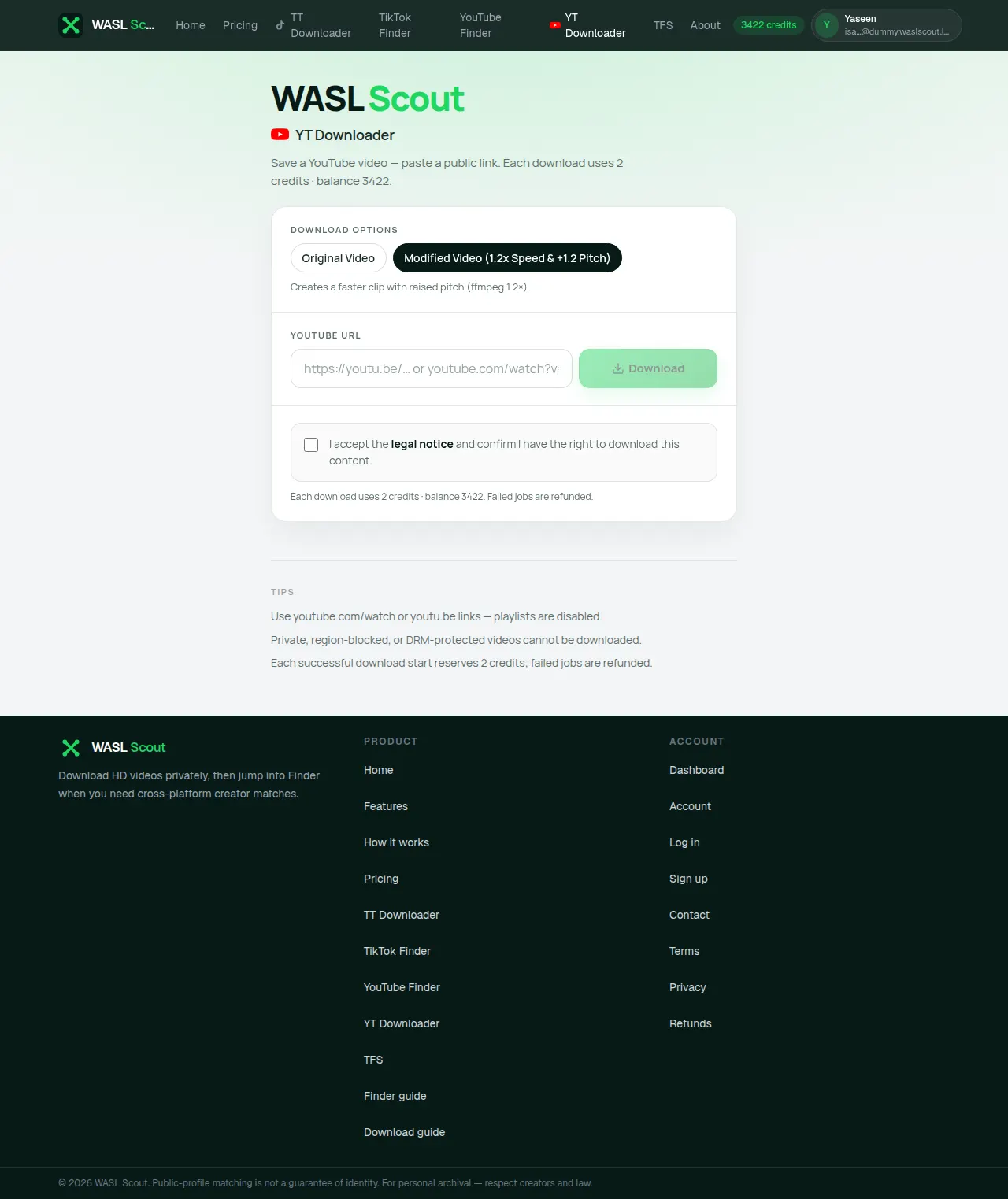
Use youtube.com/watch or youtu.be links. Playlists are disabled. Accept the personal-use terms, then press Download.
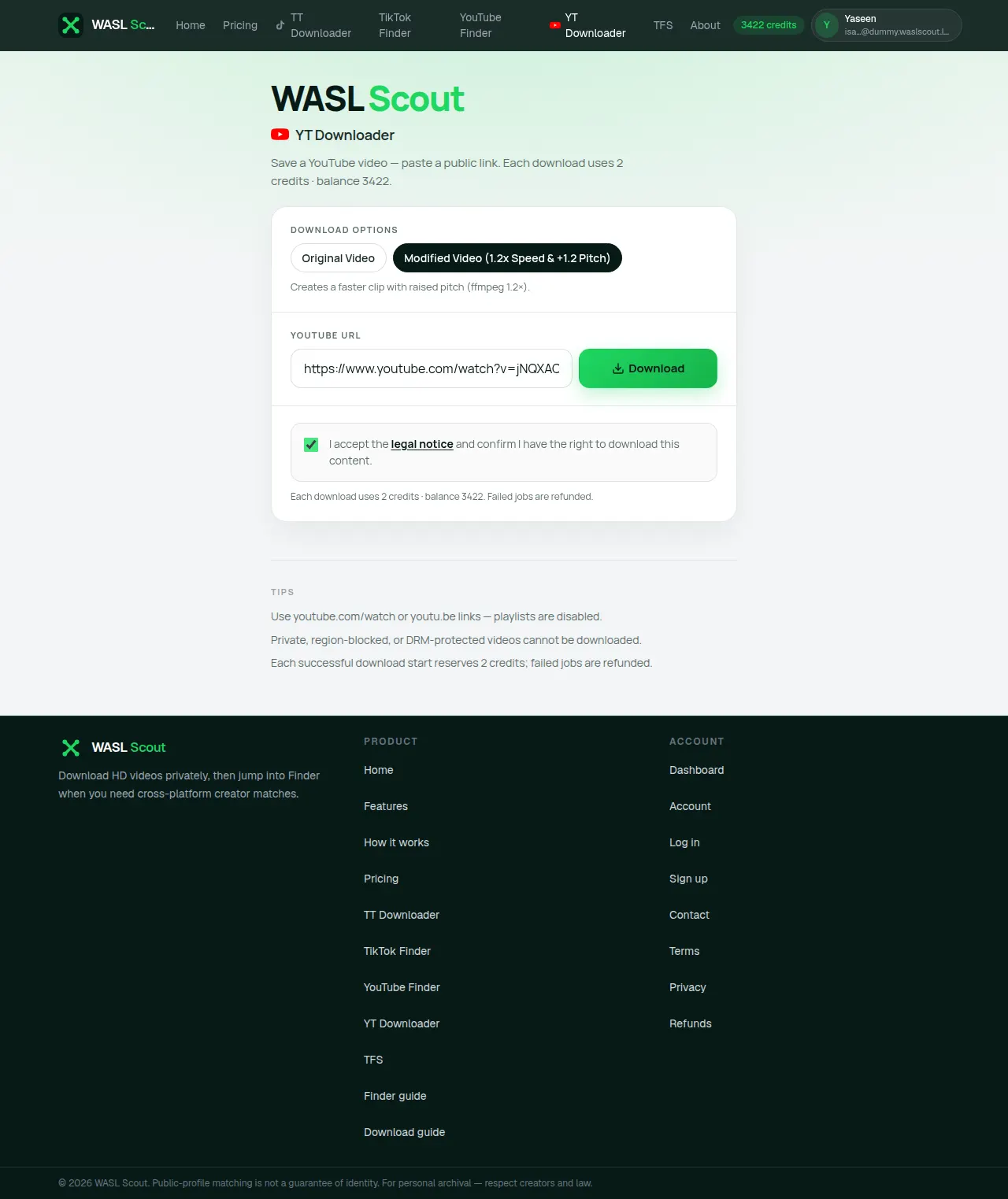
The job queues, processes, then saves the MP4 to your device. Modified runs take a little longer because of the ffmpeg transform.
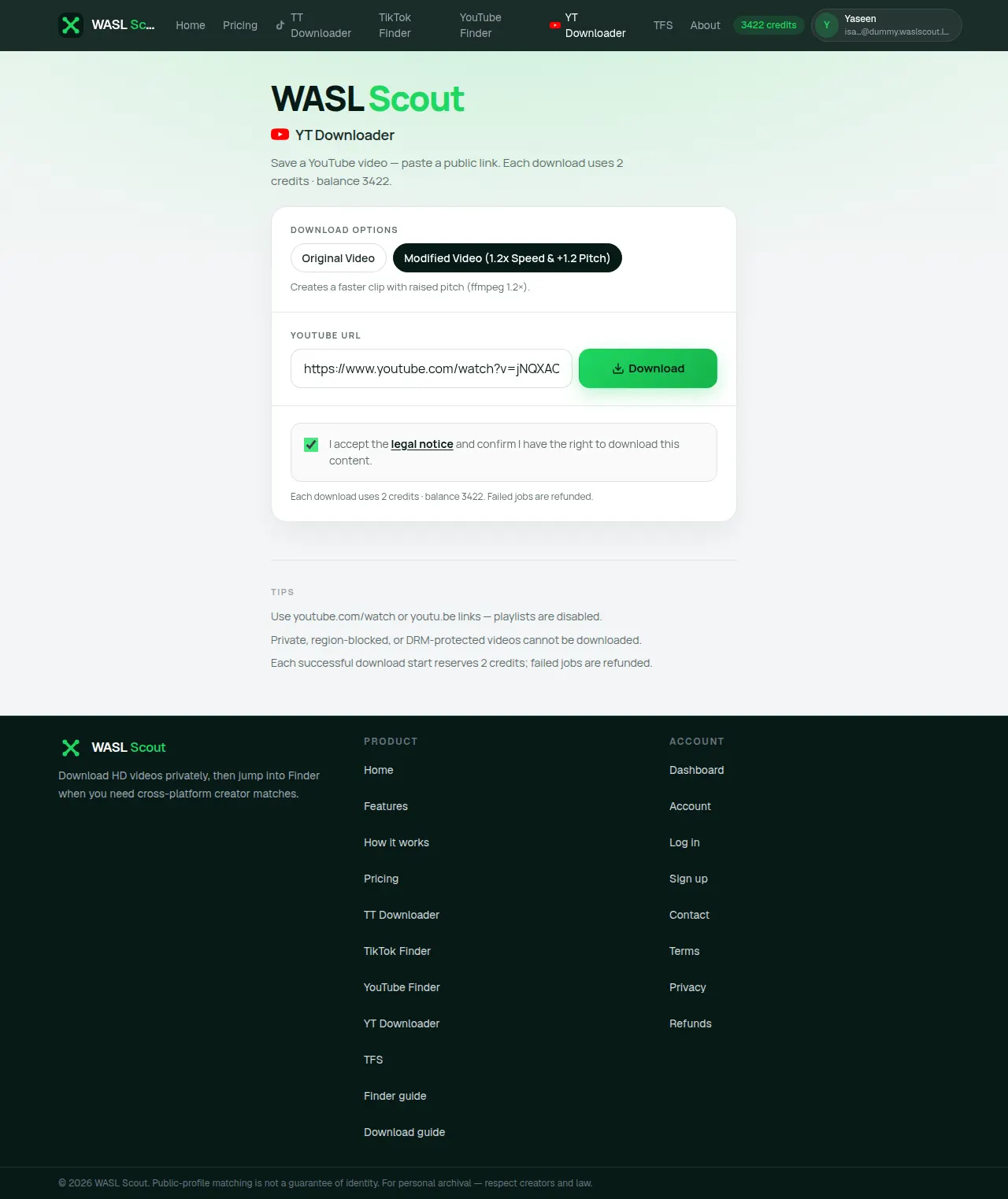
Each successful YouTube download costs 2 credits — same as TikTok. Your balance shows in the header and on the Dashboard.
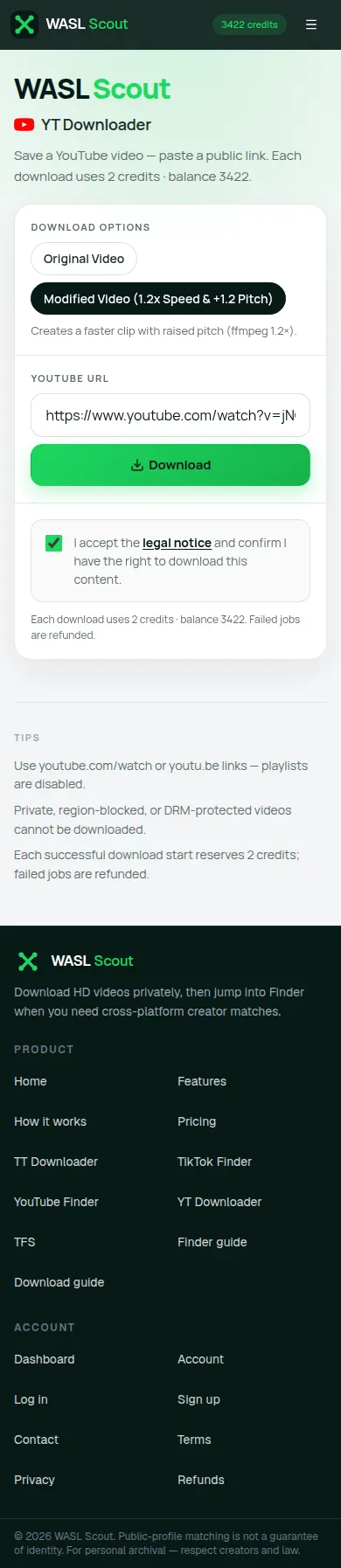
Original keeps source speed and pitch. Modified applies 1.2× speed with raised pitch via ffmpeg — useful for short archival variants.
Successful downloads charge 2 credits. Failed jobs refund. Top up with Boost $5, Pro $20, Business $50, or Basket (USD).
Download content you own or have permission to access. Respect YouTube’s Terms of Service and copyright law. This tool does not bypass DRM.