
TikTok guide
How to download a TikTok video
Paste a public link, save a watermark-free MP4, and keep an eye on credits — in six short steps.
−2 credits per video · sign-in + verified email required
Open Download
Sign in with a verified account, then go to Download. You’ll see the paste field and Download MP4.
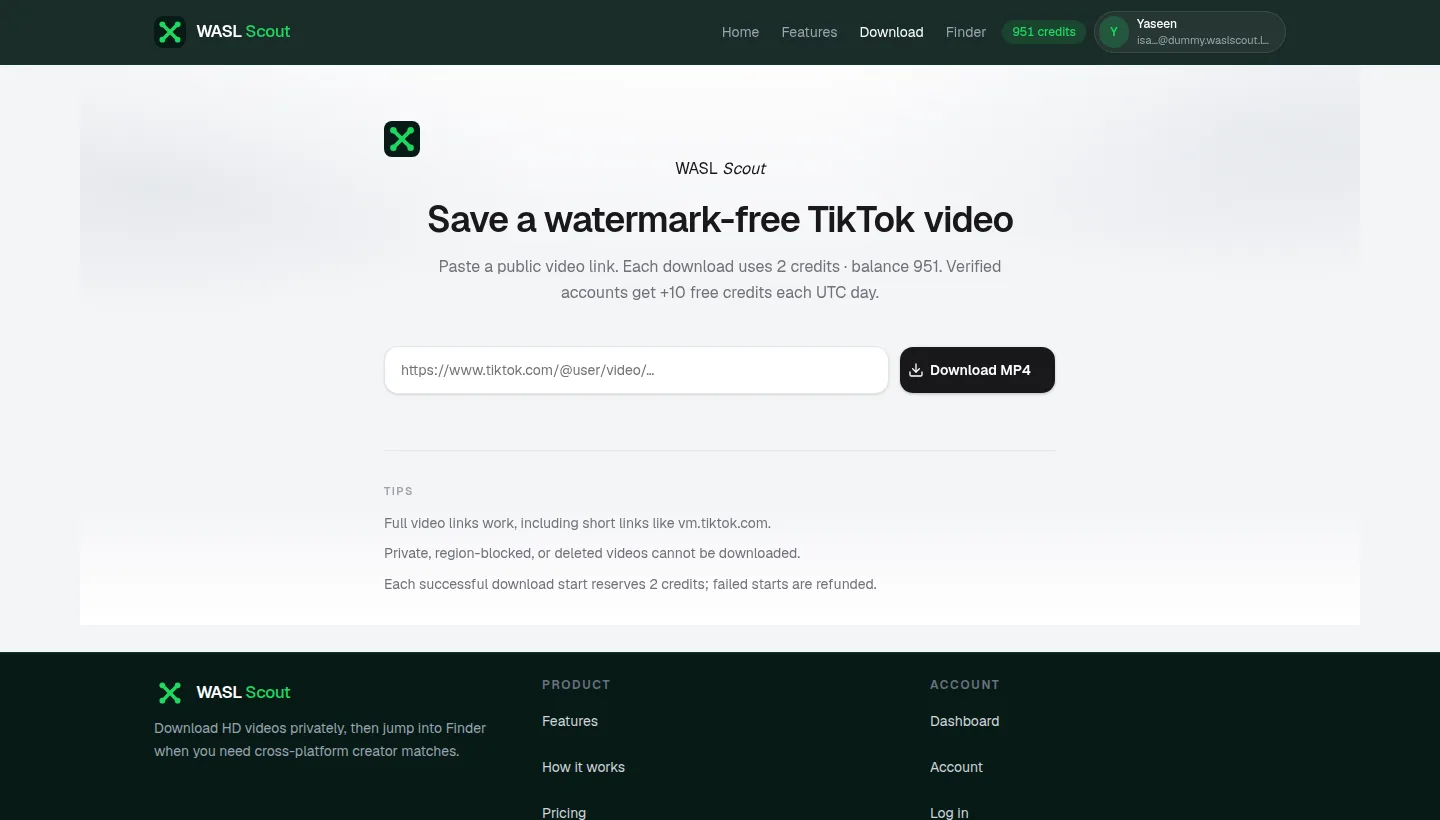
Step 1: Open Download Paste a video link
Copy a public TikTok URL (full link or vm.tiktok.com short link) and paste it into the field.
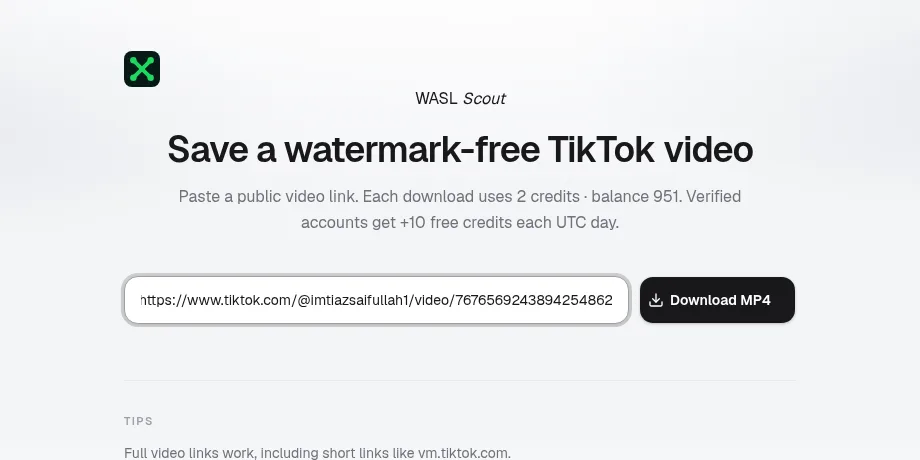
Step 2: Paste a video link Download MP4
Press Download MP4. There is no quality picker — WASL Scout saves a watermark-free HD file.
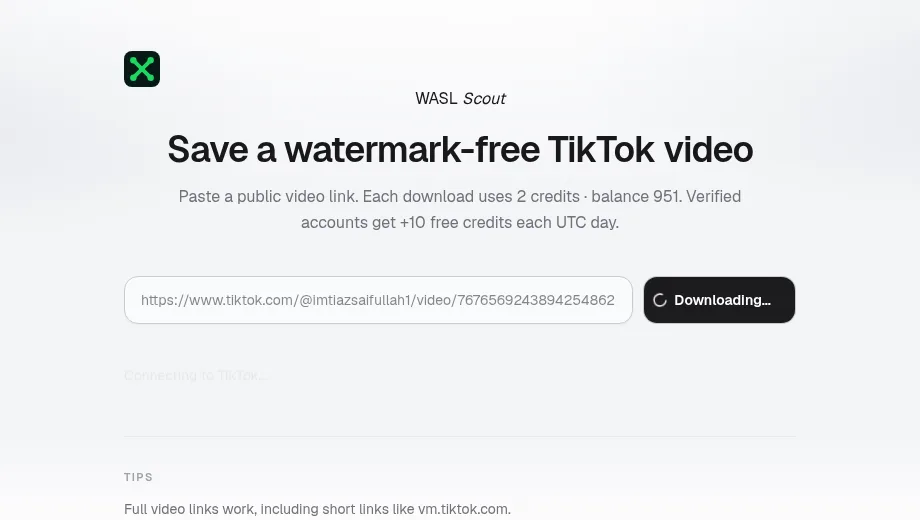
Step 3: Download MP4 Save the file
When it finishes, the MP4 downloads to your device. Check your browser’s downloads folder.
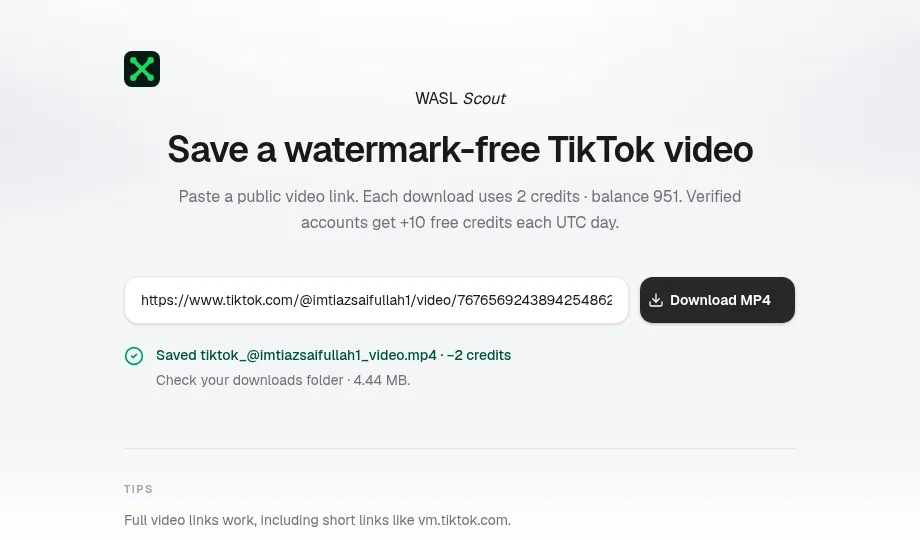
Step 4: Save the file Credits
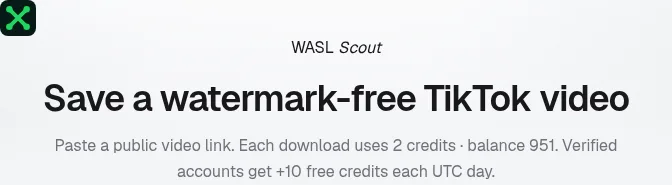
Each successful download costs 2 credits. Your balance shows under the headline and in the header.
Step 5: Credits Fix common issues
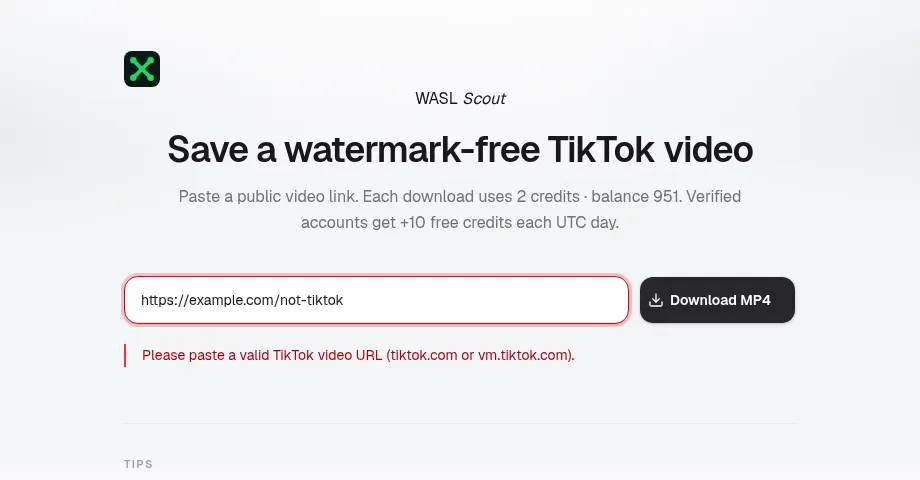
Use a real TikTok video URL. Private, deleted, or blocked videos cannot be saved. Failed starts refund credits.
Step 6: Fix common issues
Quick tips
Public links only
Full tiktok.com links and vm.tiktok.com short links both work when the video is public.
No quality picker
One button saves a watermark-free HD MP4 — no extra format or resolution choices.
Credits on success
You’re charged 2 credits when a download starts successfully. Failed attempts are refunded.